
A small one this week, but hopefully a big quality of life improvement.
Sharing filtered results
If you are anything like us, you filter the product list down to exactly what you want someone to look at, and then there is no easy way to hand it to them. You end up describing the filters in a message and hoping they set them up the same way.
Now, once you apply your filters, the link in your address bar is the search itself. Move between pages and it stays that way.
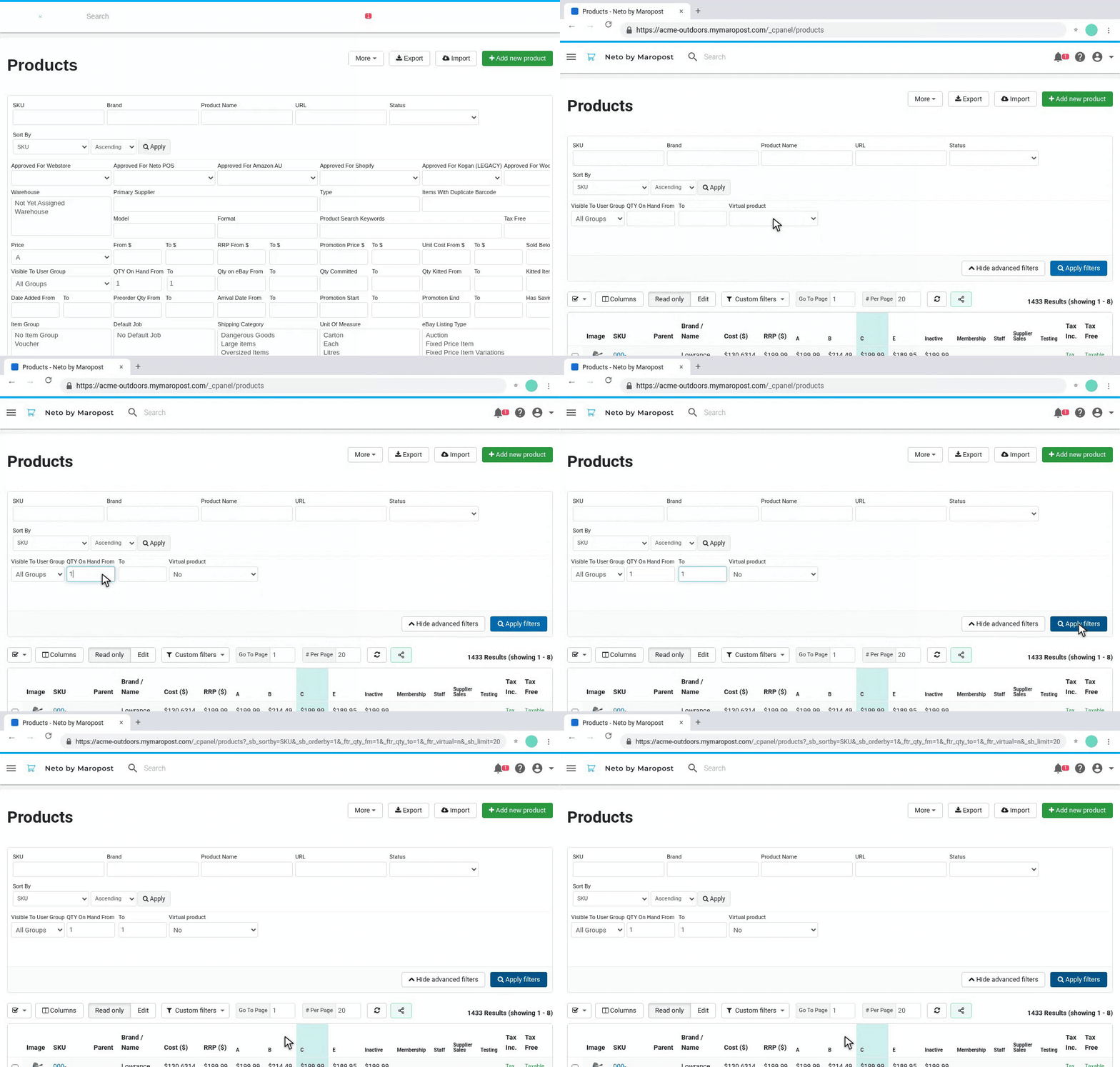
One click to share
There is a new share button next to Refresh. Click it and the link is on your clipboard, ready to paste into Slack, Teams or an email. Whoever opens it sees the same list you were looking at, no setup on their end.
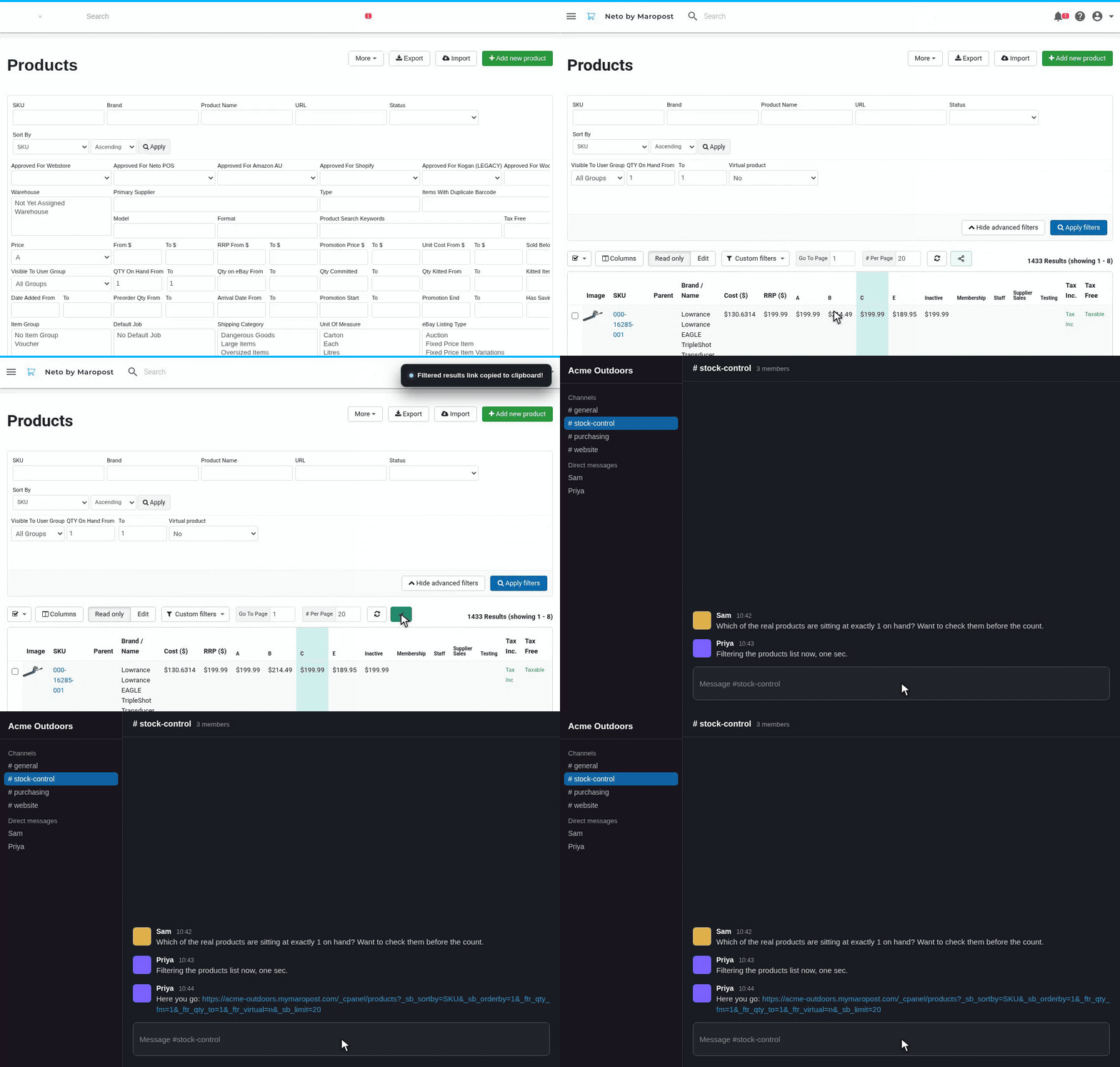
It is just a little thing, but it should make day to day operations a bit easier. Both parts are on by default, and can be switched off in Sidekick's settings if you prefer.
What else do you find yourself explaining to teammates instead of just sending? Leave a comment below.
No comments yet. Be the first.