
You named your custom fields years ago. Everything since has called them Misc Field 24.
Your names, everywhere columns appear
Open the Columns panel on the product list and your fields are there by name. Search for "stock" and you get your stock fields. Switch one on and the grid header says the name too.
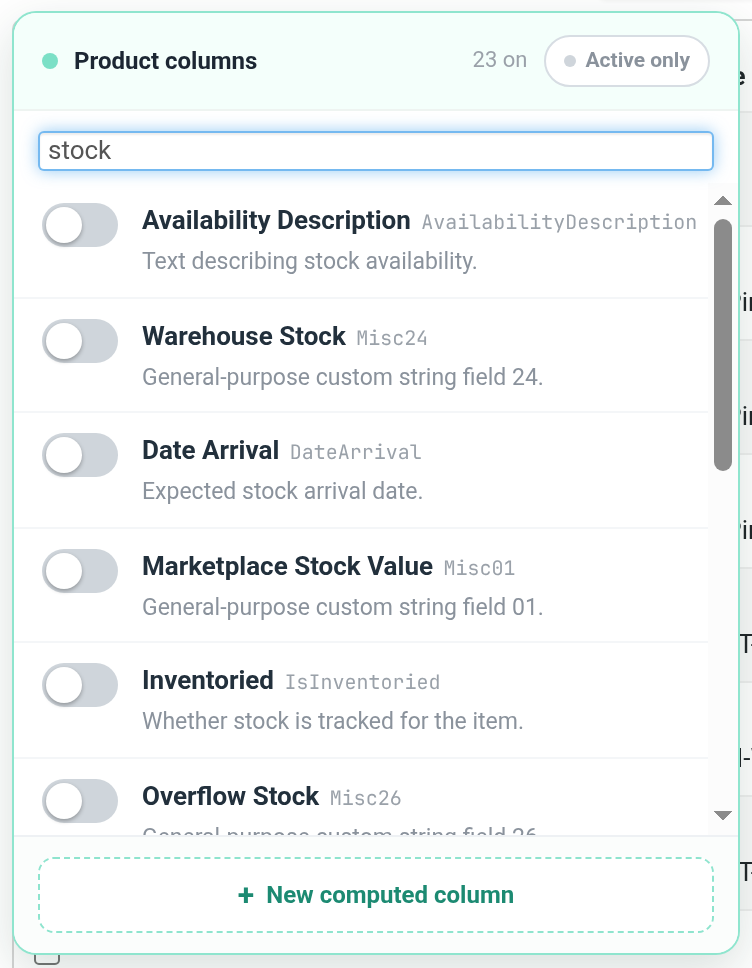
Nothing to set up
Your names come straight from your own Settings & tools, then Custom Product Fields page. Rename a field there and your columns follow.
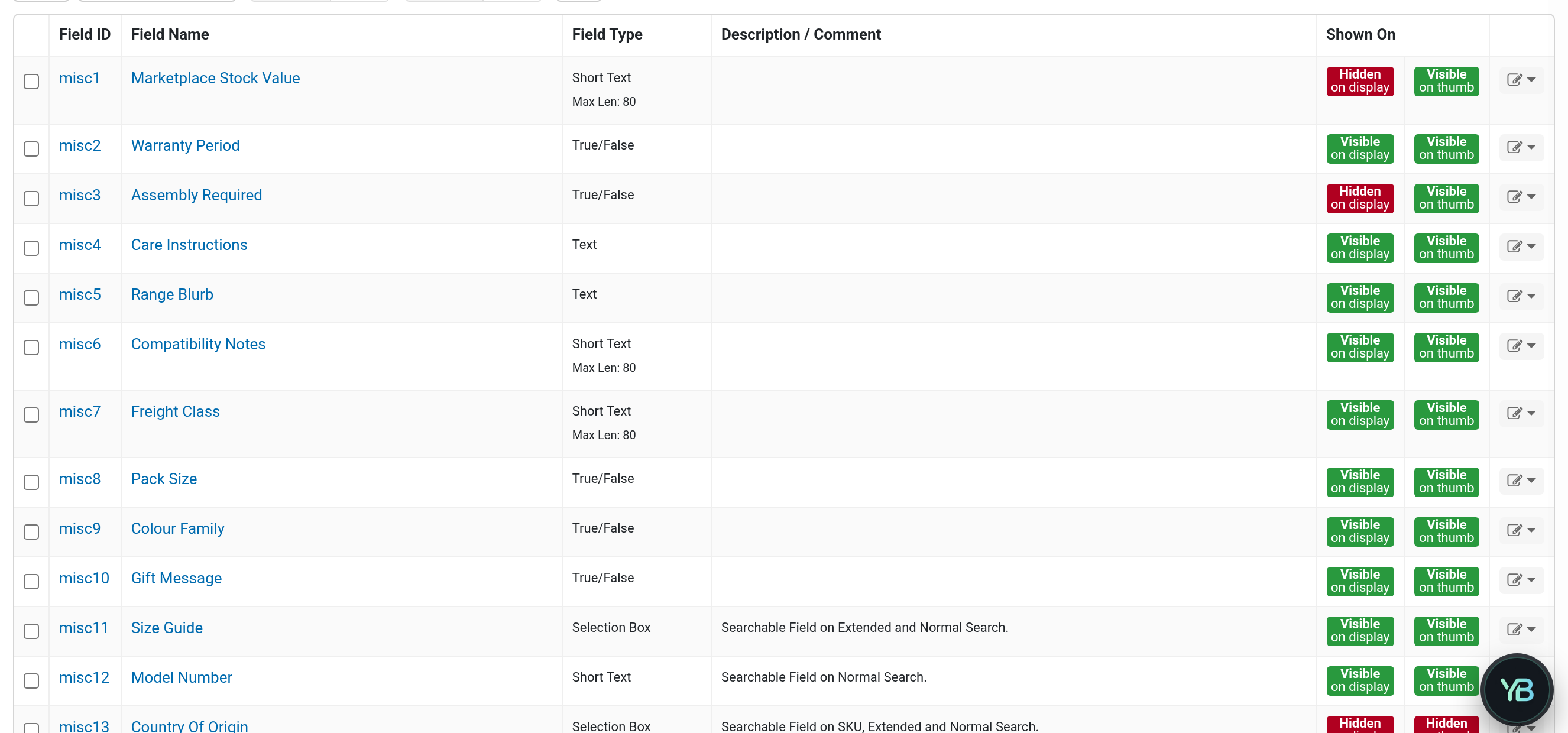
Order and customer fields are next.
Smaller fixes
- Ctrl+Space opens the command palette on more keyboards.
Which fields do you lean on most? Leave a comment below.
No comments yet. Be the first.